
Best Laptop for Graphic Design
Discover the best laptops for graphic design powerful processors, vibrant displays, and top-tier graphics to bring your creative work to life.

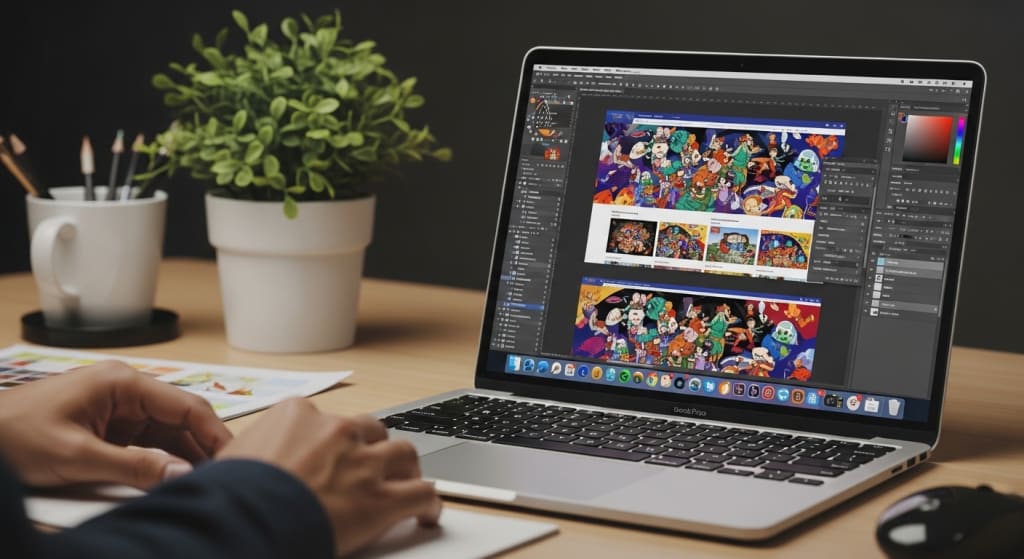
Imagine turning your wildest design ideas into jaw-dropping visuals — not just in your head, but on two ultra-sharp screens, or with the power of a workstation-grade RTX card.
If you're a graphic designer, artist, or creative pro looking for a laptop that doesn’t compromise, you’ve hit the right post.
Today, we’re breaking down the top nine laptops that are absolute beasts for design from dual-screen innovators and powerhouse workstations to sleek, portable canvases.
We’ve picked them for performance, display quality, and value and stick around, because at the end, I’ll walk you through what to look for when buying.
Best Value: Lenovo Yoga Book 9i
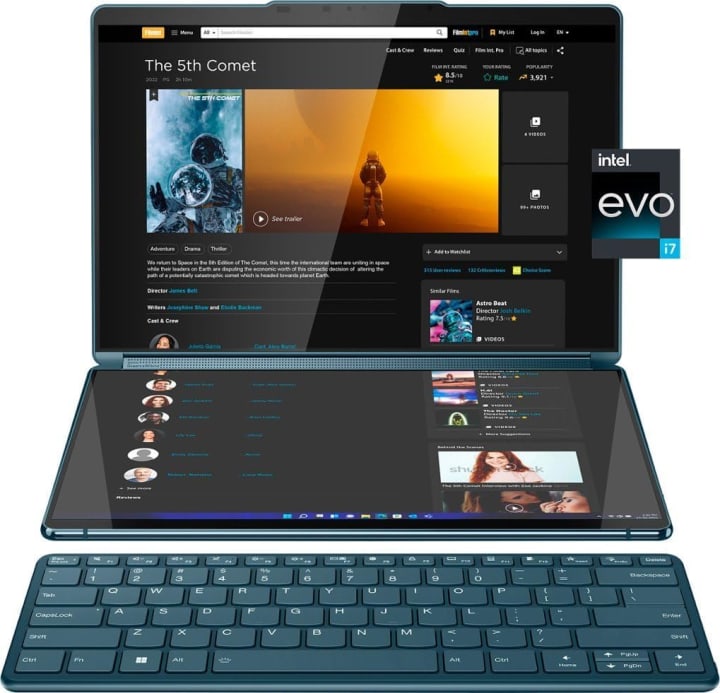
The Yoga Book 9i is an absolute design playground: two stunning 13.3-inch PureSight OLED displays give you double the canvas, whether you’re sketching, multi-tasking, or referencing inspiration.
It’s powered by a 13th Gen Intel Core i7 with 16 GB of memory and a massive 1 TB SSD, so performance and storage aren’t holding you back.
You get a detachable Bluetooth keyboard, a stylus pen, and a folio stand perfect for drawing or working seated or standing.
If you’re a creative pro or student who values flexibility and style, this is a dream. It’s not just powerful it’s a whole new way to design.
Best Premium: MSI Creator Z16

If budget isn’t your limit, the MSI Creator Z16 is built for serious, heavyweight creative work.
It features a gorgeous 16-inch QHD+ 16:10 touchscreen with a 120 Hz refresh rate, driven by a blazing fast Intel Core i9 and an NVIDIA GeForce RTX 3060 GPU.
With 32 GB of RAM and a 2 TB NVMe SSD, it handles rendering, 3D work, and multitasking with ease. Its Cooler Boost Trinity+ system keeps it cool under load, and Thunderbolt 4 gives you versatile I/O.
This is ideal for professional designers, video editors, and 3D artists who want raw power in a portable machine. It’s premium, but it backs it up.
Best Budget: Dell XPS 15 9520
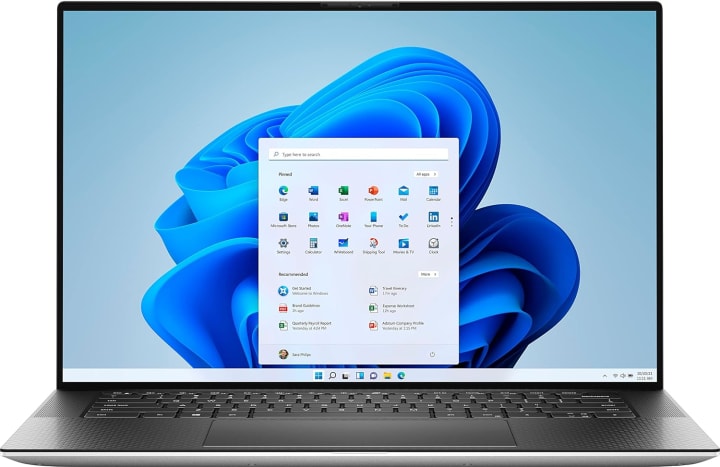
Don’t let “budget” fool you the XPS 15 9520 packs a punch. It runs on an Intel 12th Gen i7-12700H, paired with 32 GB of DDR5 RAM, a 1 TB SSD, and a dedicated NVIDIA RTX 3050 graphics card.
The 15.6-inch FHD+ non-touch display covers 100% Adobe RGB and gives you color-accurate visuals, which is essential for design work.
With Thunderbolt 4 and an SD card reader built-in, this is a practical workhorse for designers who need serious performance without paying ultra-premium. Reliable, powerful, and efficient.
Best Runner Up: Acer Predator Helios 300
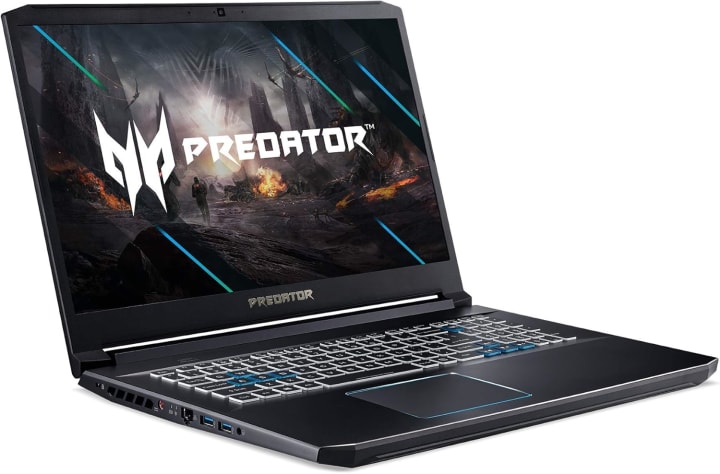
Originally built for gaming, the Acer Predator Helios 300 is a beast for creative workloads, too. Its Intel i7-11800H CPU and NVIDIA RTX 3060 GPU deliver raw graphics power, while the 15.6-inch 144 Hz IPS panel ensures smooth visuals.
With 16 GB DDR4 RAM and a 512 GB SSD, it’s more than ready to tackle design software, big PSD files, or even 3D renders.
The 5th Gen AeroBlade fan design helps with cooling, so performance doesn’t throttle. It’s for designers who want “gaming-level” GPU muscle, but also value a large, fast display.
Best High End: Gigabyte AERO 17 YE5
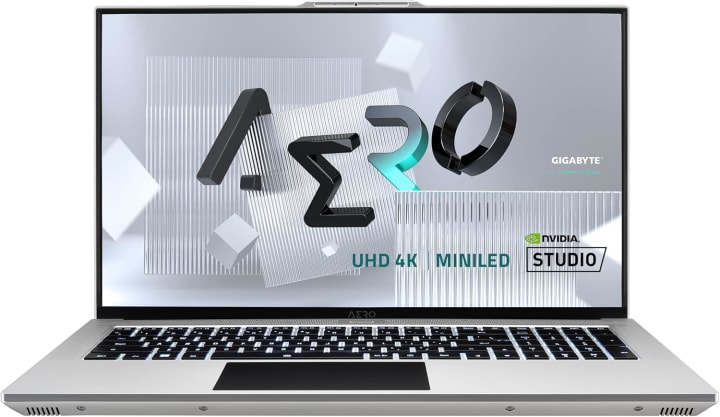
If you want peak creative performance and don’t mind a larger laptop, the Gigabyte AERO 17 YE5 is a powerhouse. It features a 17.3-inch 4K mini-LED display (120 Hz!) with VESA DisplayHDR 1000 for stunning brightness and color.
Under the hood, it runs on an Intel Core i7-12700H, has 32 GB of DDR5 RAM, a 2 TB SSD, and a fully loaded NVIDIA RTX 3080 Ti. That GPU performance makes it ideal for 3D modeling, high-resolution video editing, and professional-grade color work.
This is for serious creators who want top-tier hardware and visual fidelity. And yes, you can check the latest price in the description below.
Best Affordable: Acer Swift 3 OLED
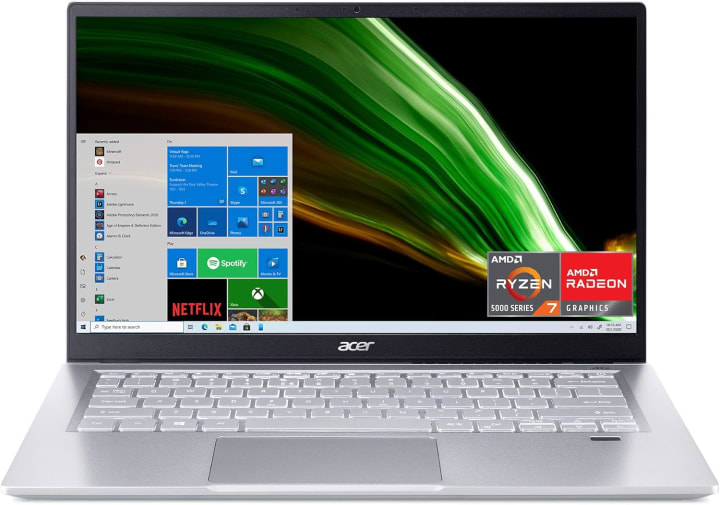
The Acer Swift 3 OLED is compact, light, and visually beautiful a dream pick for designers who want great screen quality without breaking the bank. It has a 14-inch 2.8K (2880×1800) OLED display with a 90 Hz refresh rate, delivering vivid colors and deep blacks.
Powered by a 12th Gen Intel i7-12700H, 16 GB of LPDDR5 RAM, and a 1 TB SSD, it's snappy and smooth. Despite packing strong performance, it weighs barely over three pounds, so it’s perfect for creators on the move.
Battery life is solid and charging is fast. For designers who want that gorgeous OLED look in a portable package, this is a top pick.
Best All Rounder: Apple MacBook Air M2
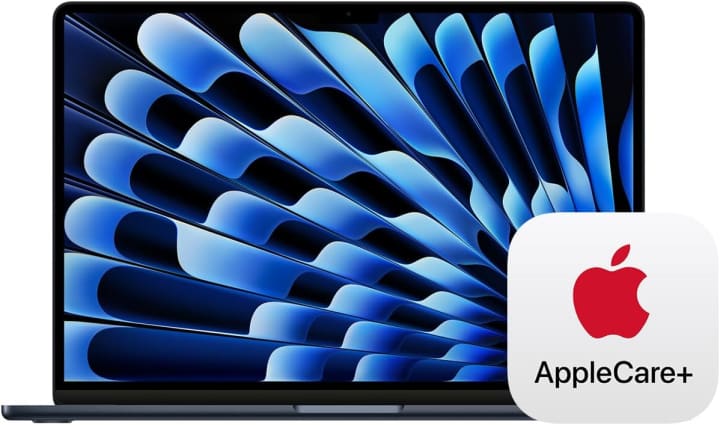
The MacBook Air M2 is impossibly thin, yet powerful: it carries Apple’s M2 chip with an 8-core CPU, up to 10-core GPU, and up to 24 GB of unified memory.
The 13.6-inch Liquid Retina display supports P3 wide color, so what you design looks rich and accurate. It’s whisper-quiet, fanless, and offers a stellar battery life ideal for creatives who value portability.
Whether you're doing vector graphics, light video editing, or photo design, the Air M2 handles it with grace. If you’re deep into the Apple ecosystem and want design power in a sleek, lightweight laptop, this is your go-to.
Best Smooth: Lenovo Flex 5
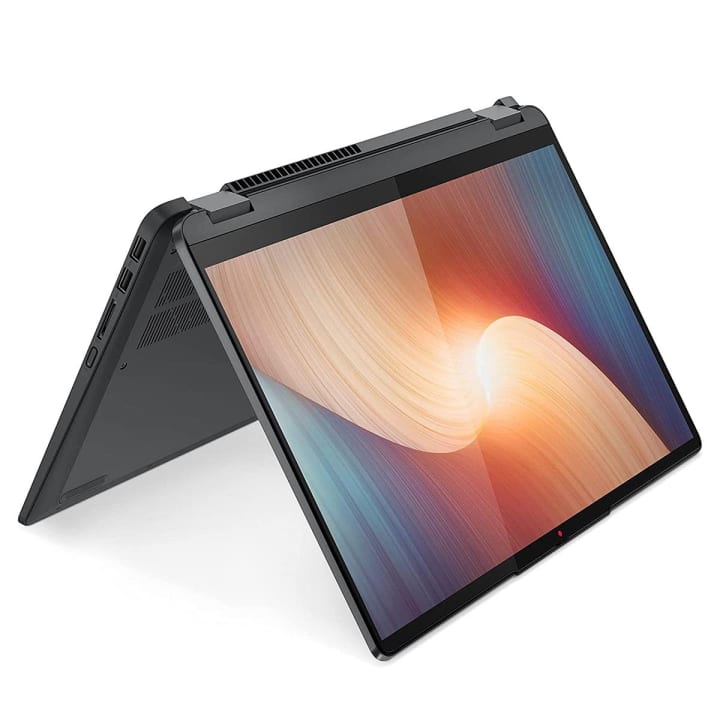
The Lenovo Flex 5 is all about versatility: a 14-inch FHD touch display, 360-degree hinge, and tablet-mode support make it ideal for sketching, presenting, or casually browsing inspiration.
Under the hood, it sports an AMD Ryzen 5 5500U and 16 GB of RAM, plus a 512 GB SSD for fast storage.
Its Radeon graphics are efficient, and the form factor makes it perfect for creative students, illustrators, or anyone who likes to draw directly on the screen.
The flexible form factor, combined with solid performance, makes it a very practical choice.
Best Cheap: Dell Inspiron 15 3511
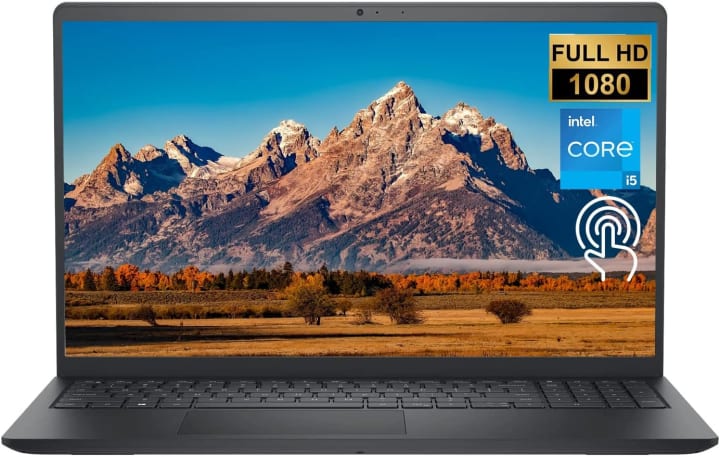
If you’re looking for budget-friendly but still capable, the Dell Inspiron 15 3511 brings surprising value. It has a 15.6-inch FHD touchscreen, an Intel Core i5-1035G1, 32 GB of RAM, and a 1 TB PCIe SSD.
That much memory and storage at a low price is rare which makes it great for students, beginners, or casual designers who work with simpler graphics software, web design, or presentation design.
It’s not made for ultra-heavy 3D rendering, but for 2D design, light photo editing, and studying, it’s more than enough.
What to Consider Before Buying for Graphic Design
When picking a laptop for design, focus on performance, display quality, portability, and battery life.
You want a fast CPU and, if you do 3D work or video editing, a strong GPU.
A display with wide color gamut ideally OLED or a high-quality IPS matters so your work is accurate.
If you travel or sketch on the go, portability and weight count. But if you’re mostly at a desk, a larger screen might be more productive.
And don’t forget battery designers often work long hours, so a laptop that can last or recharge quickly is huge.
To Wrap Up:
If you want great value, go for the Lenovo Yoga Book 9i. Need top-tier firepower? The MSI Creator Z16 or the Gigabyte AERO 17 YE5 can handle anything. Prefer ultrabook portability?
The MacBook Air M2 or Swift 3 OLED are your champions. And for more budget-conscious creators, the Dell XPS 15 9520, Lenovo Flex 5, and Dell Inspiron 15 3511 all offer fantastic design performance in their own lanes.
About the Creator
Tab Delite
Tab Delite explores the latest trends, reviews, and comparisons in tablets and TVs. From cutting-edge tech to user-friendly options, discover everything you need to know to upgrade your digital entertainment and productivity experience.
Keep reading
More stories from Tab Delite and writers in Education and other communities.
The Clinical Mindset: Why Most Nursing Students Fail the NCLEX (And How I Found the Path Back)
The silence of a testing center is unlike any other. It’s a heavy, pressurized quiet that makes every mouse click sound like a gunshot. For thousands of nursing students, that silence represents the final barrier between years of grueling clinical rotations and the two letters that change everything: RN or PN.
By Sulcus Learning2 days ago in Education
Steve Wolfe’s Guide to Transforming Managers into Growth Catalysts
In today’s fast-moving business environment, having a solid strategy is only part of the equation. The real differentiator is execution, and that rests on your management team's shoulders. Steve Wolfe, a respected leadership strategist, highlights that team leadership skills are what transform ideas into lasting outcomes.
By Steven Joseph Wolfe5 days ago in Education
Lately, I'm empty
Lately, I feel an emptiness inside of me that doesn’t make any sense. I was fine a week ago and now I’m numb to the pain that I’ve been carrying around. Numb to the idea of me existing. I wish I could go to a place where I can hear happy positive thoughts and surround myself with joy. The medication I’m on doesn’t seem to work anymore. I still feel pain from existing, why am I here anyways? Merely to exist. I don’t feel like I’m making any differences being here.
By Cerina Galvan5 days ago in Confessions


Comments
There are no comments for this story
Be the first to respond and start the conversation.