
Best Laptop For Electrical Engineering Students
Discover the best laptops for electrical engineering students powerful, reliable, and designed to handle simulation software, circuit design, and multitasking with ease.

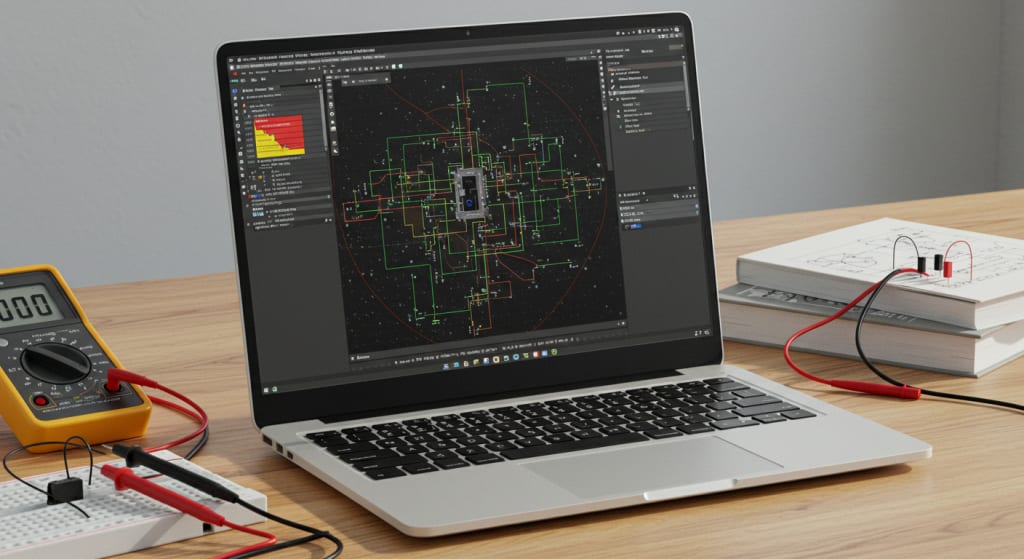
Electrical engineering isn’t just a subject it’s a challenge of the mind and precision of the hands.
You deal with complex equations, data-heavy projects, and simulations that demand real power.
That’s why choosing the right laptop isn’t just about looks or brand it’s about performance, durability, and long-term value.
In this blogpost, I’ll walk you through the best laptops for electrical engineering students machines that can handle your workload, last through college, and keep you moving without a hitch.
Before we dive into the list, here’s what you should focus on.
Go for a strong processor Intel i7 or Ryzen 7 minimum to handle multitasking and simulations.
You’ll also need at least 16GB of RAM for running modeling software smoothly.
Choose SSD storage for faster data access, and ensure the laptop has decent battery life because you’ll often be on the go.
A crisp display also matters it makes coding, drawing circuits, and studying diagrams much easier on the eyes.
Now let’s dive into the Top Picks.
Best Value: Lenovo Legion 5
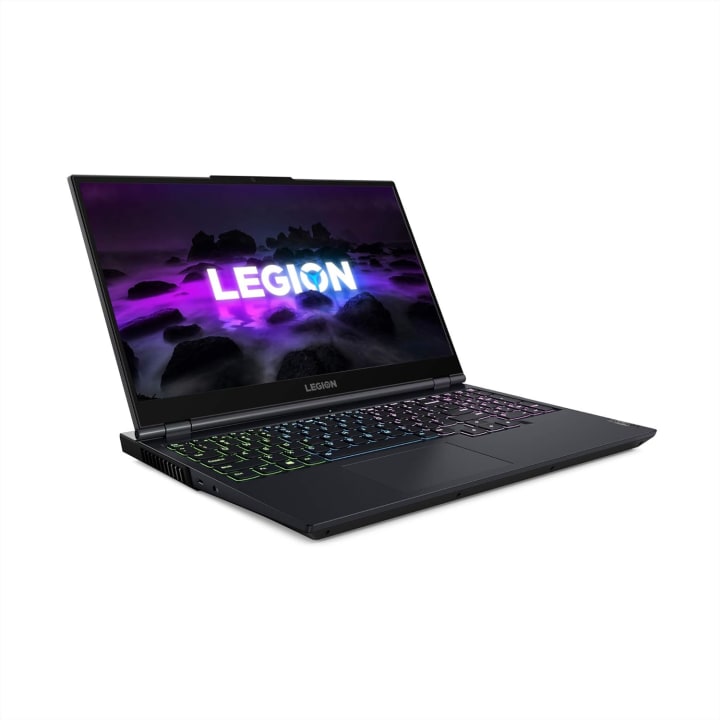
The Lenovo Legion 5 brings the perfect balance between power and price.
Powered by an AMD Ryzen 7 5800H processor and NVIDIA RTX 3050 Ti GPU, it can handle heavy simulation software like MATLAB or AutoCAD with ease.
Its 16GB RAM and 512GB SSD ensure fast performance and smooth multitasking, while the 15.6-inch Full HD display with IPS technology offers great color clarity and detail.
The RGB backlit keyboard adds style and comfort, while WiFi 6 and multiple ports make it future-ready.
If you’re a student who wants both productivity and entertainment, this one delivers excellent value for every dollar spent.
Best Premium: Razer Blade 15 Advanced
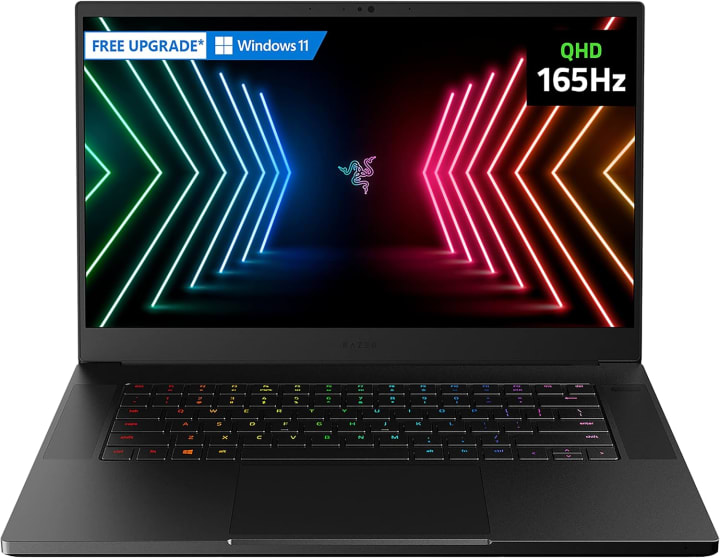
The Razer Blade 15 Advanced isn’t just a laptop it’s a powerhouse built for professionals.
Featuring an Intel Core i7-10875H processor and an NVIDIA RTX 2080 Super GPU, this beast can handle the toughest simulations without breaking a sweat.
Its stunning 300Hz Full HD display ensures buttery-smooth visuals, perfect for both engineering software and gaming.
With a sleek aluminum unibody design, it’s only 0.7 inches thin yet feels incredibly durable.
The vapor chamber cooling system keeps performance steady even during long project sessions.
It’s pricey, yes but it’s built for those who settle for nothing less than the best.
Best Budget: Microsoft Surface Pro 7
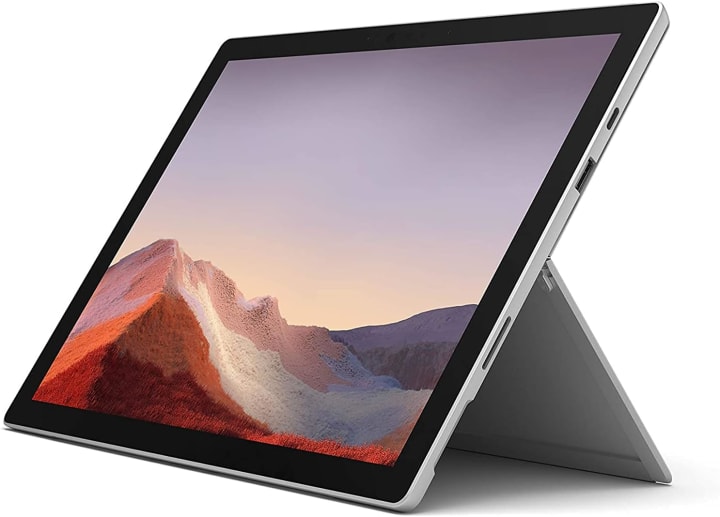
If portability and versatility matter most, the Surface Pro 7 is your ideal pick.
It’s more than just a laptop it’s your tablet, notebook, and creative station all in one.
Powered by a 10th Gen Intel Core processor, it handles classwork, note-taking, and simulations smoothly.
Its ultra-slim design weighs just 1.7 pounds, making it perfect for carrying around campus.
You’ll love its 10.5-hour battery life and quick charging feature that gets you back to work in no time.
With a crisp 12.3-inch touchscreen and support for Surface Pen, this device brings creativity and productivity together in a compact package.
Best Runner-Up: Dell Inspiron i5577
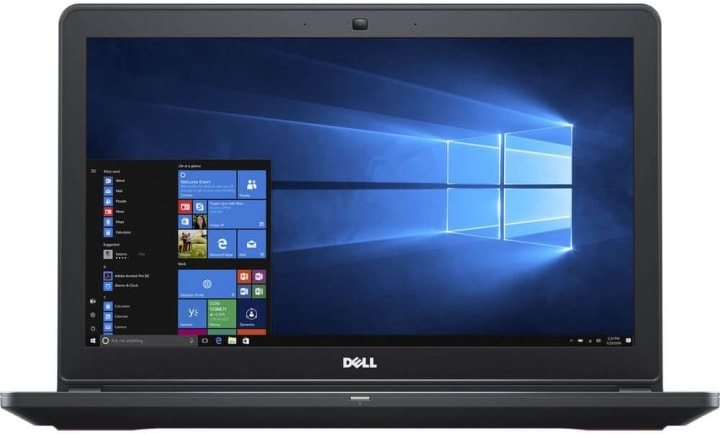
The Dell Inspiron i5577 gives you solid power without unnecessary frills.
Under the hood, you get an Intel i7-7700HQ processor and 16GB RAM, ensuring reliable performance for circuit design and simulation tools.
Its 512GB SSD keeps everything running fast and smooth, while the 15.6-inch Full HD anti-glare screen delivers clear visuals, even in bright classrooms.
It’s a dependable workhorse with a simple, professional design that fits perfectly for students who want durability, speed, and affordability rolled into one machine.
Best High-End: ASUS ROG Zephyrus G14

If performance is your top priority, the ASUS ROG Zephyrus G14 is an absolute game-changer.
With its AMD Ryzen 9 4900HS processor and NVIDIA RTX 2060 Max-Q GPU, it delivers blazing-fast results whether you’re running MATLAB simulations or gaming after class.
The 14-inch Full HD 120Hz display brings life to every project, while 16GB RAM and 1TB SSD give you the speed and storage you need.
Its sound quality, powered by Dolby Atmos, creates an immersive experience for music and media.
Lightweight, powerful, and reliable the G14 is built for those who push their limits.
Best Affordable: Apple MacBook Air M1 2020
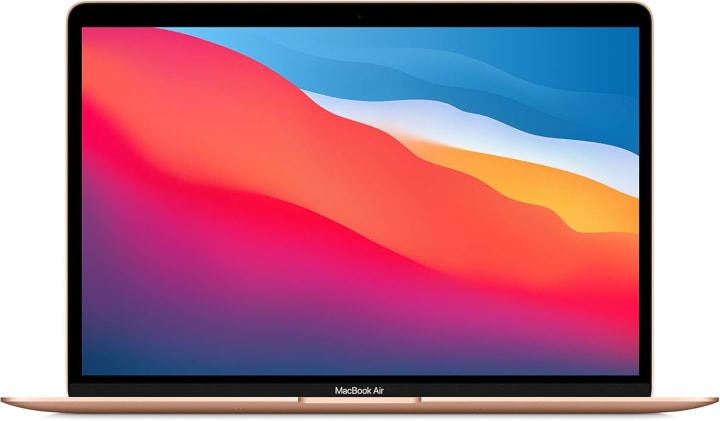
The MacBook Air M1 is proof that power can come in a quiet, sleek form.
With Apple’s M1 chip, it’s incredibly fast, energy-efficient, and completely silent thanks to its fanless design.
You get up to 18 hours of battery life enough for long study sessions and back-to-back lectures.
The 13.3-inch Retina display delivers vivid colors and crisp details, making it great for technical diagrams and creative projects.
Whether you’re coding, designing, or streaming, this laptop stays cool and consistent.
It’s lightweight, reliable, and built to last through your engineering journey.
Best Cheap: Google Pixelbook Go
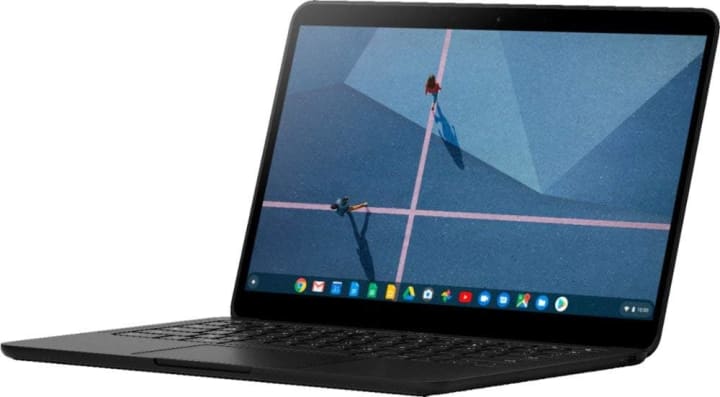
If you’re looking for a light, simple, and affordable option, the Google Pixelbook Go hits the sweet spot.
It’s incredibly portable at just 1kg and offers up to 12 hours of battery life perfect for busy students.
Powered by an Intel Core processor, it starts up in seconds and keeps everything running smoothly for research, presentations, and daily tasks.
With Titan C security and automatic Chrome OS updates, your data stays safe.
The backlit keyboard feels smooth and quiet, ideal for long typing sessions.
Plus, its 13-inch display and dual stereo speakers make it great for both work and entertainment.
Conclusion
So there you have it seven powerful laptops built to handle the demands of electrical engineering.
Choose the one that fits your style, your budget, and your ambitions.
About the Creator
Tab Delite
Tab Delite explores the latest trends, reviews, and comparisons in tablets and TVs. From cutting-edge tech to user-friendly options, discover everything you need to know to upgrade your digital entertainment and productivity experience.
Keep reading
More stories from Tab Delite and writers in Education and other communities.
Canadian Work Permit 2026: Check If You Qualify to Work in Canada
Canada continues to be one of the top destinations for foreign workers, offering competitive salaries, a strong economy, and an excellent quality of life. With new immigration adjustments expected in 2026, understanding Canada’s work permit system has become more important than ever.
By Ayesha Lashariabout 10 hours ago in Education
Off the Book
It ended like every other stupid idea. Badly, and alone. I’m researching digital confession ethics, he said. A tech ethicist. He gestured at floating data I couldn’t see then pulled out a physical notebook. Actual paper, fountain pen. He held it up like he was showing me scripture.
By Nicky Frankly5 days ago in Fiction




Comments
There are no comments for this story
Be the first to respond and start the conversation.