
Why AI UX Is Fundamentally Different from Traditional UX?
How probabilistic systems, conversational interfaces, and adaptive behavior are reshaping the principles of user experience design

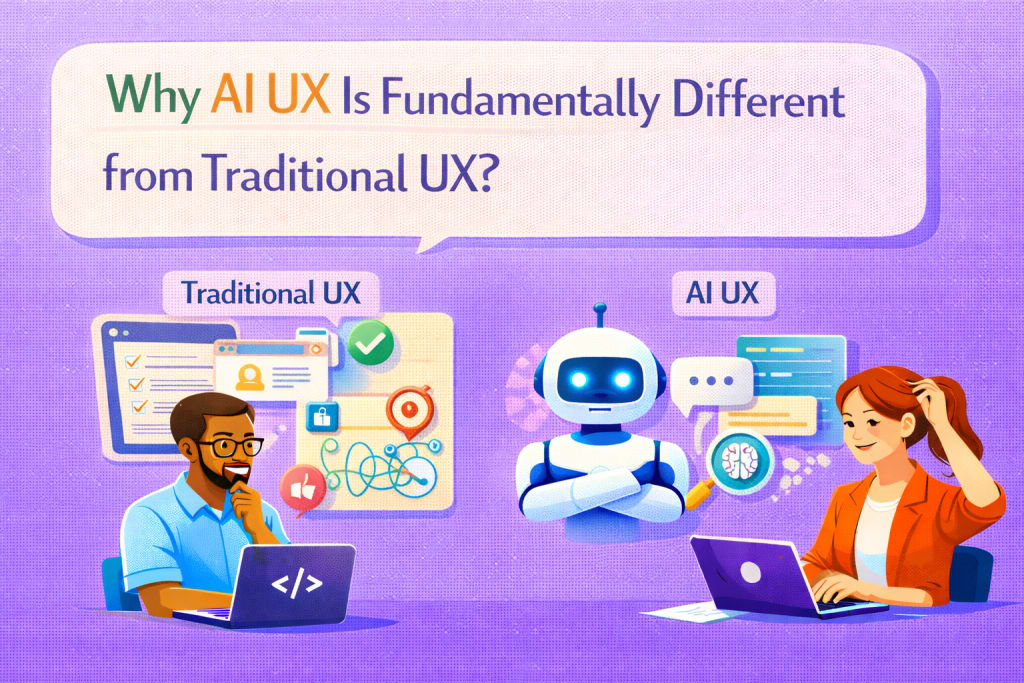
User experience design has always focused on guiding users through predictable interactions — buttons behave consistently, navigation paths are defined, and outcomes are largely deterministic. With AI-powered applications, that predictability changes. Interfaces driven by artificial intelligence introduce uncertainty, dynamic responses, and adaptive behavior that fundamentally alter how UX must be designed and evaluated.
As AI becomes integrated into more products, designers and developers are realizing that traditional UX frameworks alone are no longer sufficient. AI UX requires new thinking around trust, control, feedback, and system transparency.
Why AI UX challenges traditional design assumptions
Traditional UX design assumes that developers define system behavior through explicit logic. Users learn patterns, and interfaces remain consistent over time.
AI-driven systems introduce variability:
- responses may differ even for similar inputs
- outputs depend on context rather than fixed rules
- system behavior evolves based on data or prompts
This variability means designers must create experiences that guide users through uncertainty rather than eliminate it entirely.
From deterministic interfaces to probabilistic interactions
In traditional applications:
- clicking a button triggers a predictable outcome.
- workflows follow predefined steps.
- errors can be clearly anticipated.
In AI applications:
- outputs may vary in tone or structure.
- answers may be incomplete or require refinement.
- the system may misunderstand user intent.
UX design must therefore focus on managing expectations, helping users understand that responses are generated rather than predefined.
Designing for ambiguity and iteration
AI interfaces often involve iterative interaction, especially in conversational systems. Users may refine prompts, clarify goals, or request revisions.
Key UX considerations include:
- clear ways to edit or refine input
- visibility into system assumptions
- easy mechanisms to regenerate responses
Designing for iteration means treating the interface as a collaborative environment rather than a one-way workflow.
Trust and transparency as core design principles
AI introduces questions about reliability. Users need signals indicating when to trust outputs.
Effective AI UX often includes:
- explanations of how results were generated
- visible sources or references
- clear boundaries around system capabilities
Transparency reduces confusion and encourages responsible use.
Feedback loops and learning behavior
Traditional UX testing evaluates fixed user journeys. AI systems require ongoing monitoring because outputs can evolve over time.
Design teams may implement:
- feedback buttons allowing users to rate responses
- correction workflows
- adaptive interfaces that learn from usage patterns
These mechanisms help maintain quality while improving system performance.
Error handling is fundamentally different
Traditional error states involve clear messages such as “page not found” or “invalid input.” AI errors are often subtle — answers may appear correct but contain inaccuracies.
UX design should account for:
- ways to verify or double-check information
- clear disclaimers when uncertainty exists
- encouraging critical evaluation by users
Designing for graceful failure becomes more important than eliminating errors entirely.
Collaboration between designers and engineers
AI UX requires closer collaboration between design and engineering teams. Decisions about prompts, retrieval systems, and model constraints directly influence user experience.
Designers must understand:
- model limitations
- latency tradeoffs
- data availability
Engineers must consider:
- conversational flow
- tone consistency
- user expectations
This collaboration blurs traditional boundaries between design and technical roles.
Performance expectations and responsiveness
AI features often involve longer processing times compared to traditional interfaces. UX design must account for:
- loading indicators that reflect real processing
- partial results while waiting
- maintaining engagement during longer tasks
Clear feedback during processing reduces frustration.
Implications for mobile app development
Mobile applications integrating AI features require careful balance between intelligent behavior and usability constraints. Teams working within mobile app development Denver ecosystems often consider AI UX as a distinct discipline, focusing on conversational interfaces, predictive suggestions, and adaptive workflows while maintaining performance on mobile devices.
Design decisions must account for limited screen space, touch interactions, and varying network conditions.
Practical takeaways
- Design for variability rather than strict predictability.
- Provide clear ways for users to refine or correct AI outputs.
- Build transparency into interfaces to support trust.
- Treat errors as part of the experience rather than rare events.
- Encourage collaboration between UX designers and engineers early in development.
Final thoughts
AI UX represents a shift from designing static interfaces to shaping dynamic interactions between users and intelligent systems. Traditional design principles remain valuable, but they must expand to accommodate uncertainty, iteration, and adaptive behavior.
As AI continues integrating into modern products, teams that understand these differences will create more intuitive and trustworthy experiences — helping users navigate systems that think, learn, and respond in ways fundamentally different from traditional software.
About the Creator
Nick William
Nick William, loves to write about tech, emerging technologies, AI, and work life. He even creates clear, trustworthy content for clients in Seattle, Indianapolis, Portland, San Diego, Tampa, Austin, Los Angeles, and Charlotte.
Keep reading
More stories from Nick William and writers in 01 and other communities.
How to Build a Peer-to-Peer Rental App in Tampa?
For generations, ownership defined value. People bought tools, vehicles, equipment, and even vacation properties with the expectation of long-term use. But modern consumer behavior tells a different story. Increasingly, individuals prioritize access over ownership — choosing to rent items temporarily rather than commit to permanent purchases.
By Nick William5 days ago in 01
Solidifying a Global Footprint: The Urgent Need for Stronger Regulations Surrounding Crypto Asset Recovery
The digital revolution ushered in by cryptocurrency has transformed financial landscapes, offering unprecedented opportunities for innovation, efficiency, and financial inclusion. Yet, beneath this glittering surface of decentralized promise lies a stark reality: the burgeoning problem of lost, stolen, or fraudulently obtained crypto assets. As the industry matures and seeks broader adoption, the absence of robust, harmonized global regulations for recovering lost or stolen crypto stands as a significant impediment, demanding urgent attention to solidify crypto's global footprint.
By James Mburuabout 5 hours ago in 01




Comments
There are no comments for this story
Be the first to respond and start the conversation.